Organize your study schedule, subjects & tasks
Plan semesters in one place: multiple timetables, subjects with periods, tasks with due dates, reminders, and optional score tracking — then share or import schedules with a code or QR.
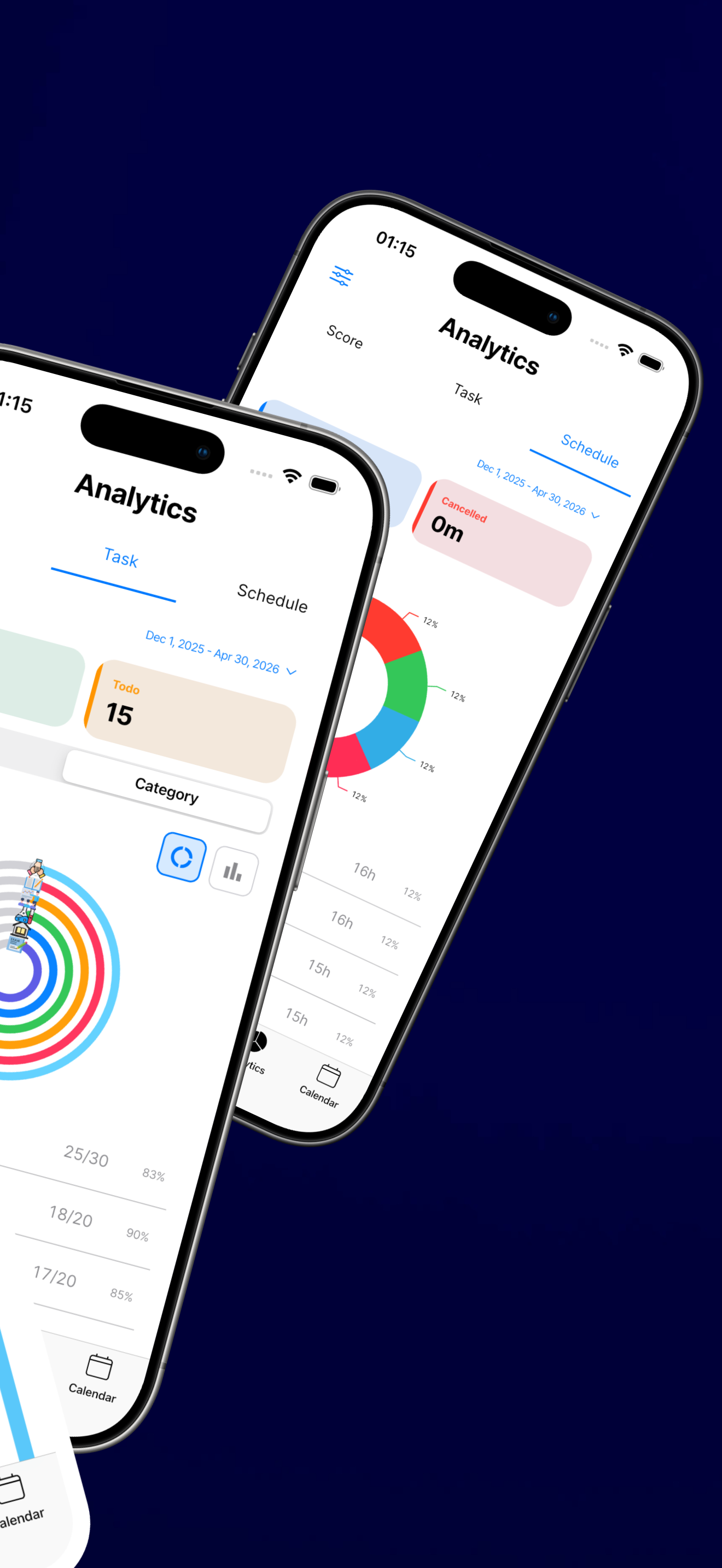
- Stay on track — notifications for tasks and a clear view of what is due next.
- Flexible layouts — switch between schedules for different terms or groups without losing your data.
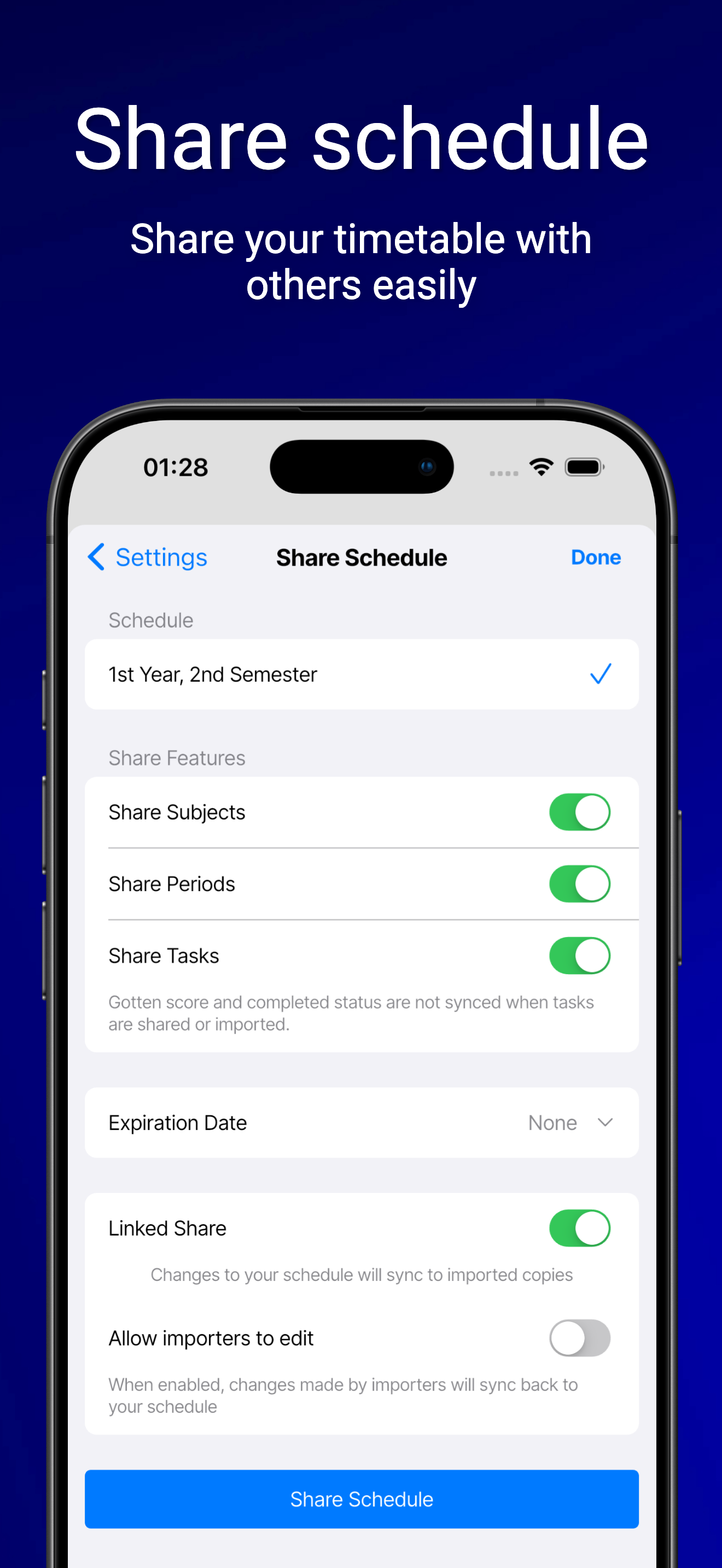
- Share safely — choose what to expose, use share codes or QR, and revoke or expire links when you need to.
Free to download. Some capabilities may depend on your device and account settings.
Everything in one study hub
Built for busy timetables: organize classes, capture coursework, and collaborate when you want to — without juggling spreadsheets or loose notes.
Multiple schedules
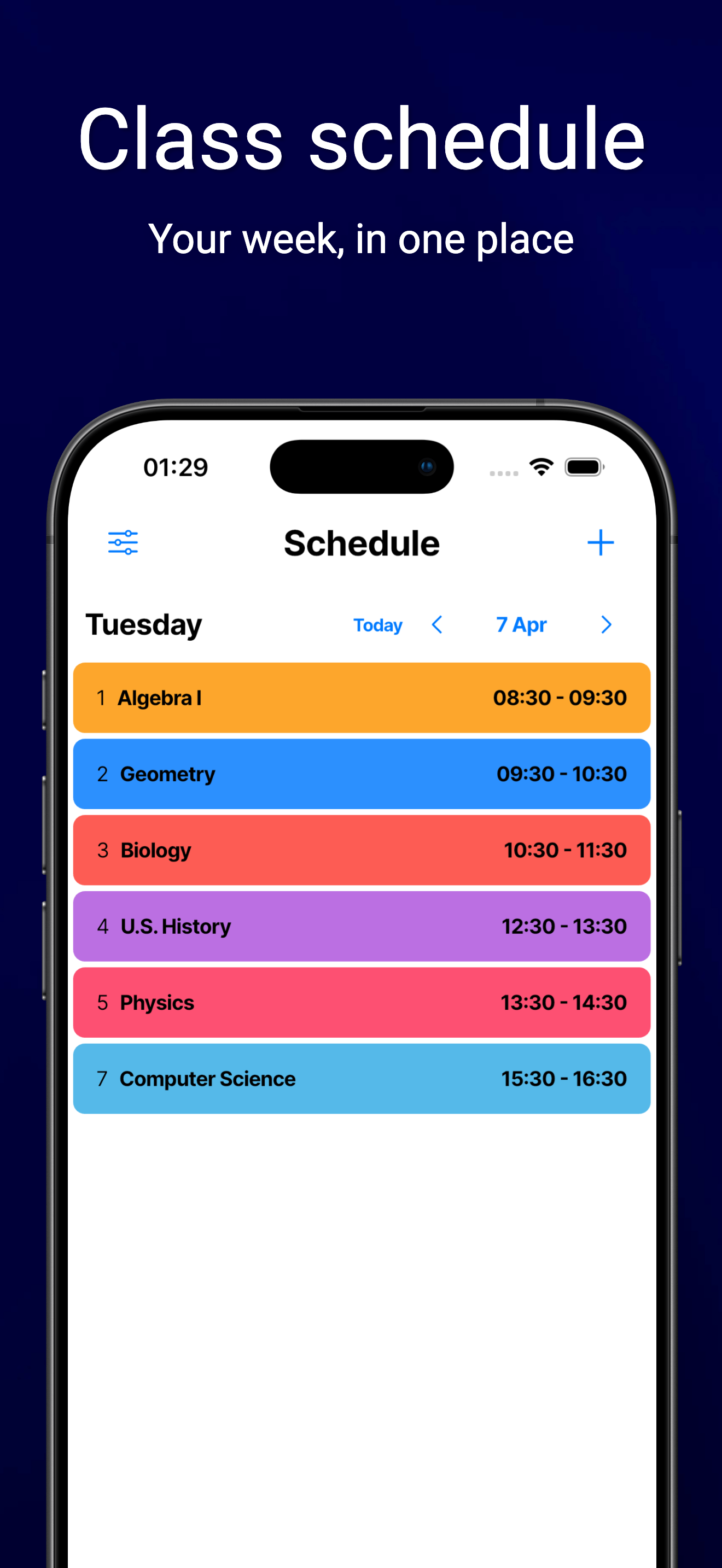
Create separate timetables for each semester, program, or study group. Rename, reorder, and archive when a term ends — your history stays organized.
- Switch schedules without losing the others
- Share or export each timetable on its own
- Import a friend’s layout with a code or QR scan
Subjects, periods & tasks
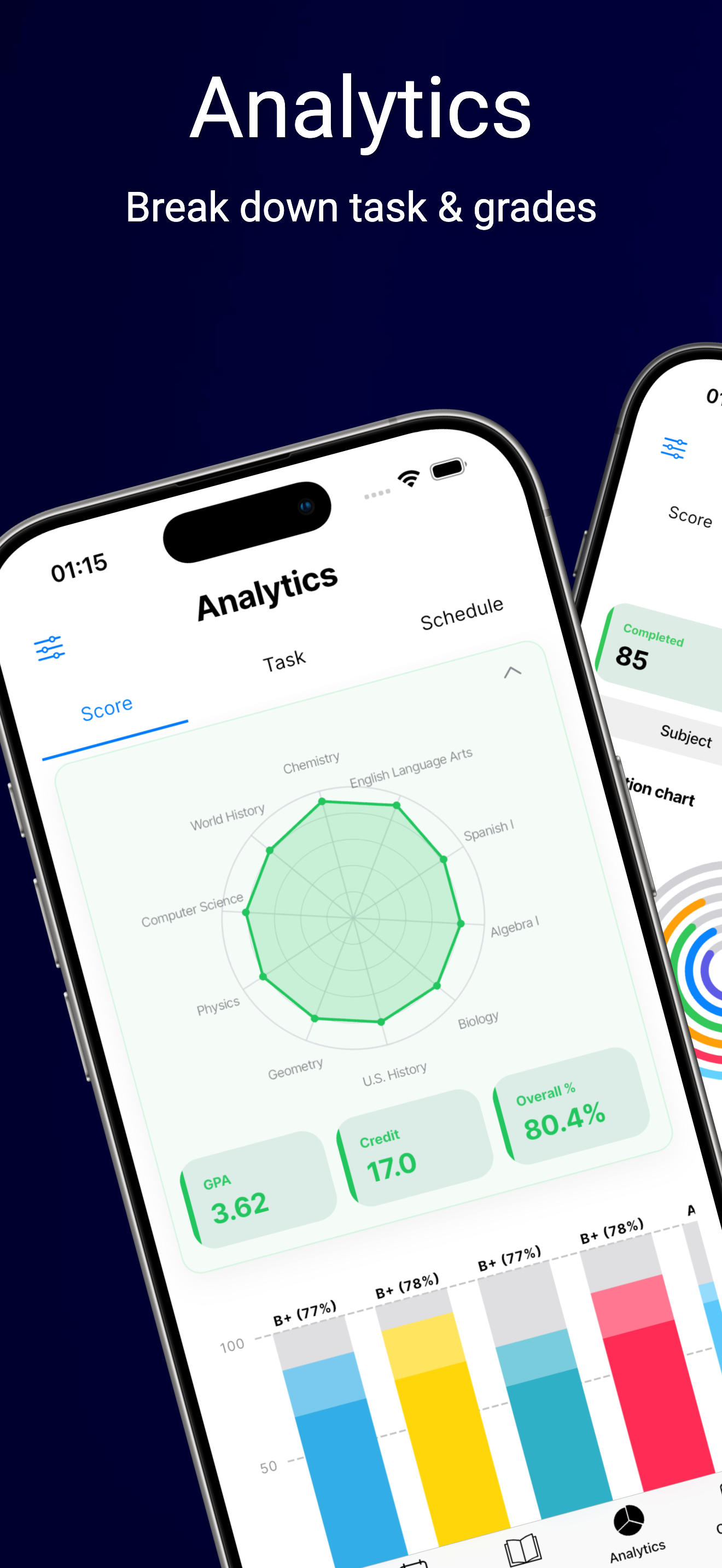
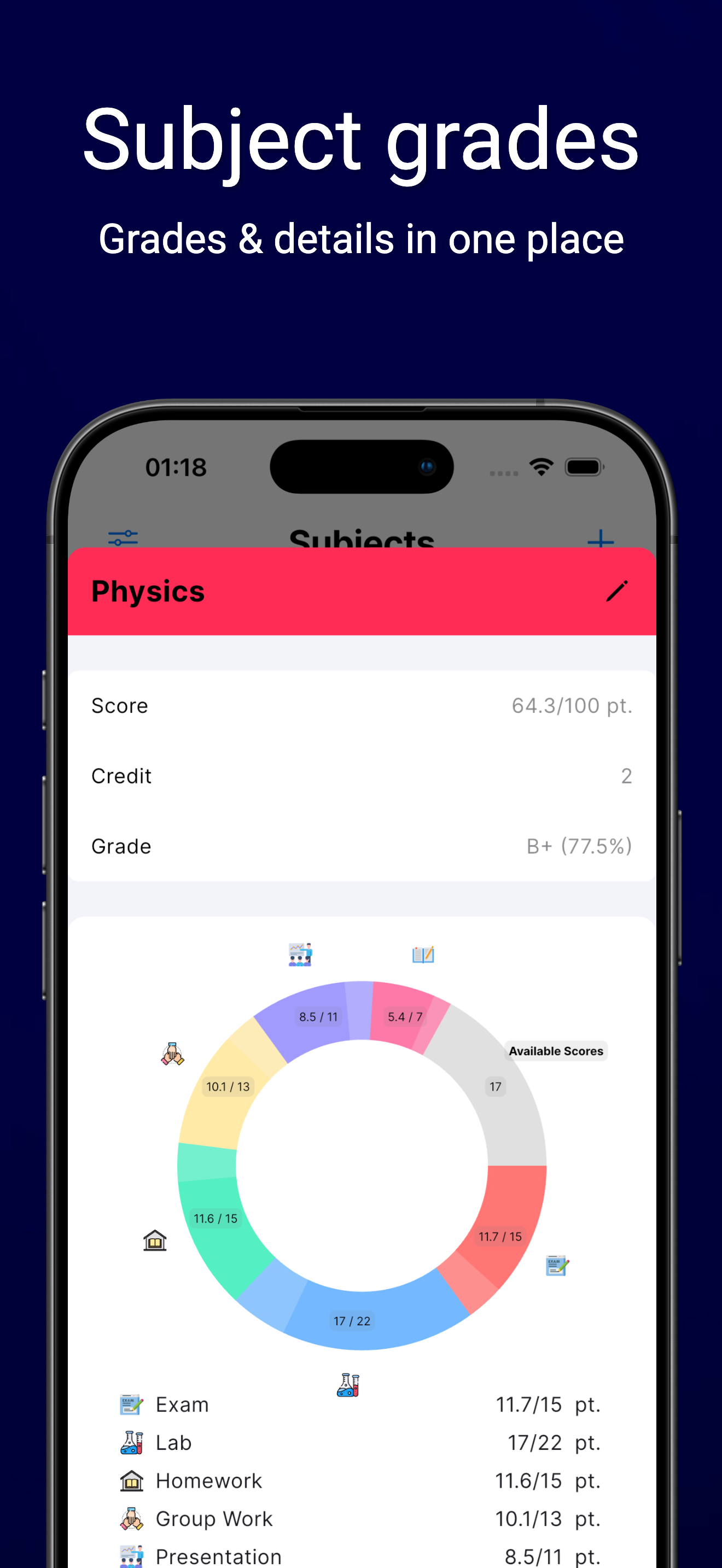
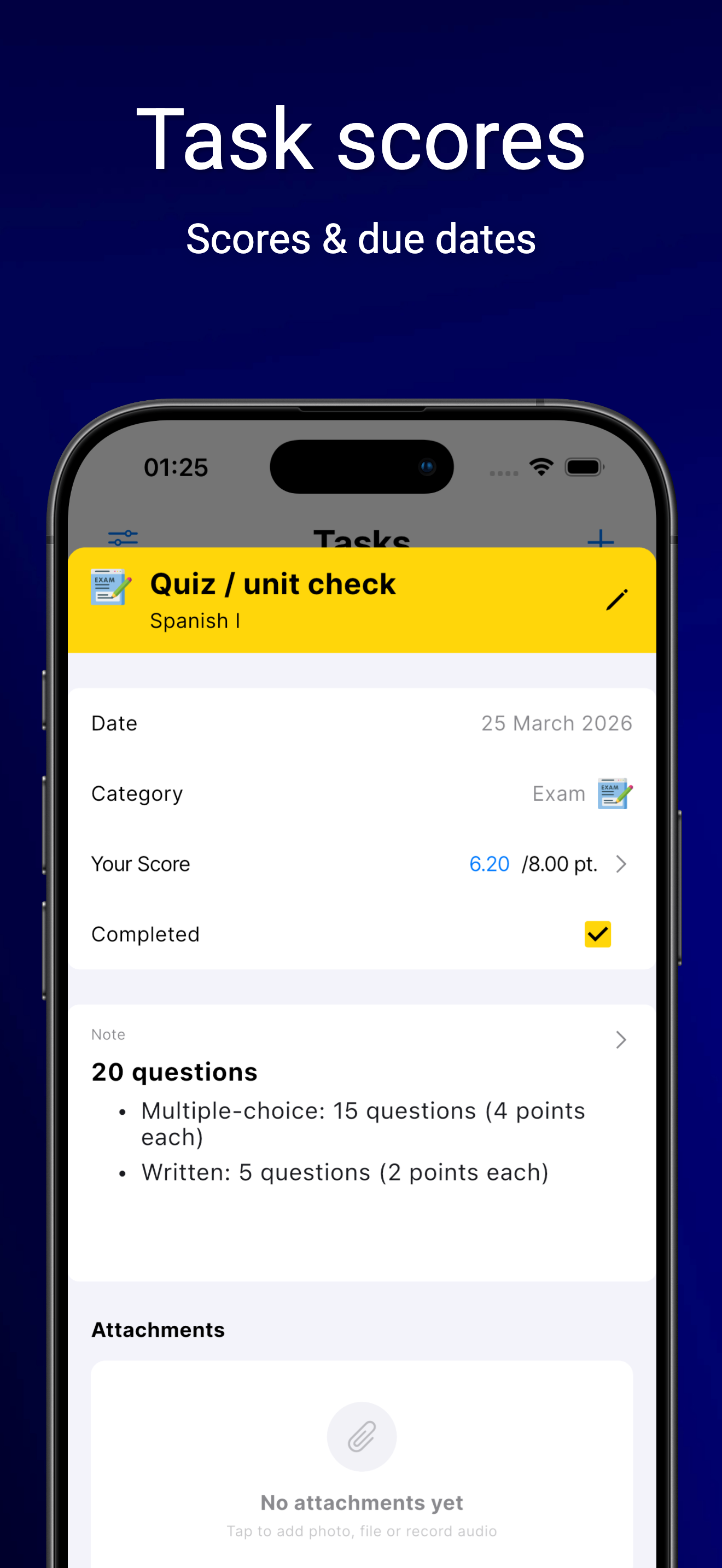
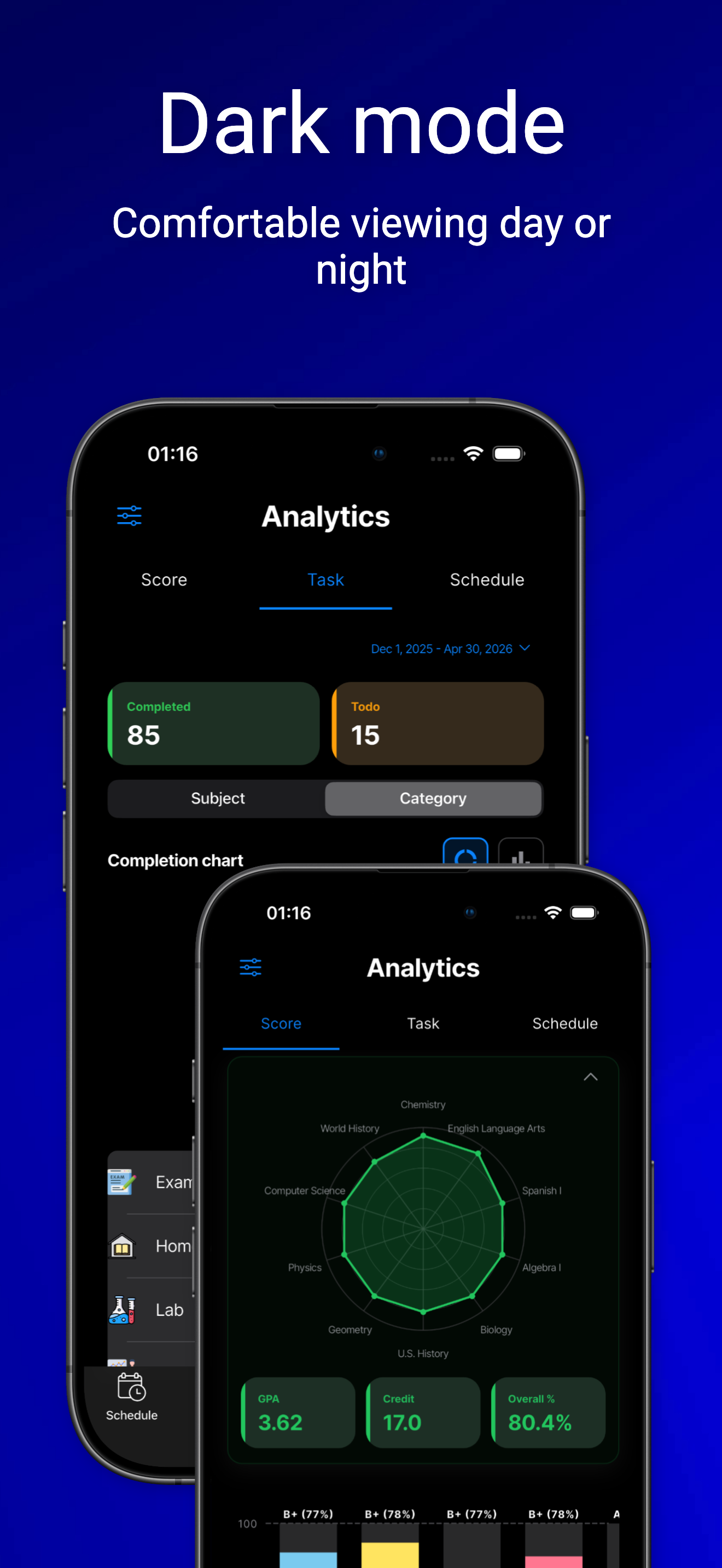
Mirror how your week actually runs: subjects in time slots, tasks with deadlines, attachments for handouts, and optional analytics when you track scores.
- Due dates and reminders so nothing slips
- Files and media linked to the right task
- Score tracking where enabled in the app
Share & import
Collaborate on the same structure: generate a share code or QR, pick which parts to expose, and pull updates when someone publishes a new version.
- Granular sharing — you choose the scope
- Expiration or deactivation when you revoke access
- Import to keep your local copy aligned
Questions or account help?
Visit Support for guides and FAQs, or email the team for privacy, data, or billing questions.